Start Writing Markdown on Mac with HipMark
 HipMark
Create your first Markdown file in HipMark, learn headings and lists, switch live preview and source, and save locally.
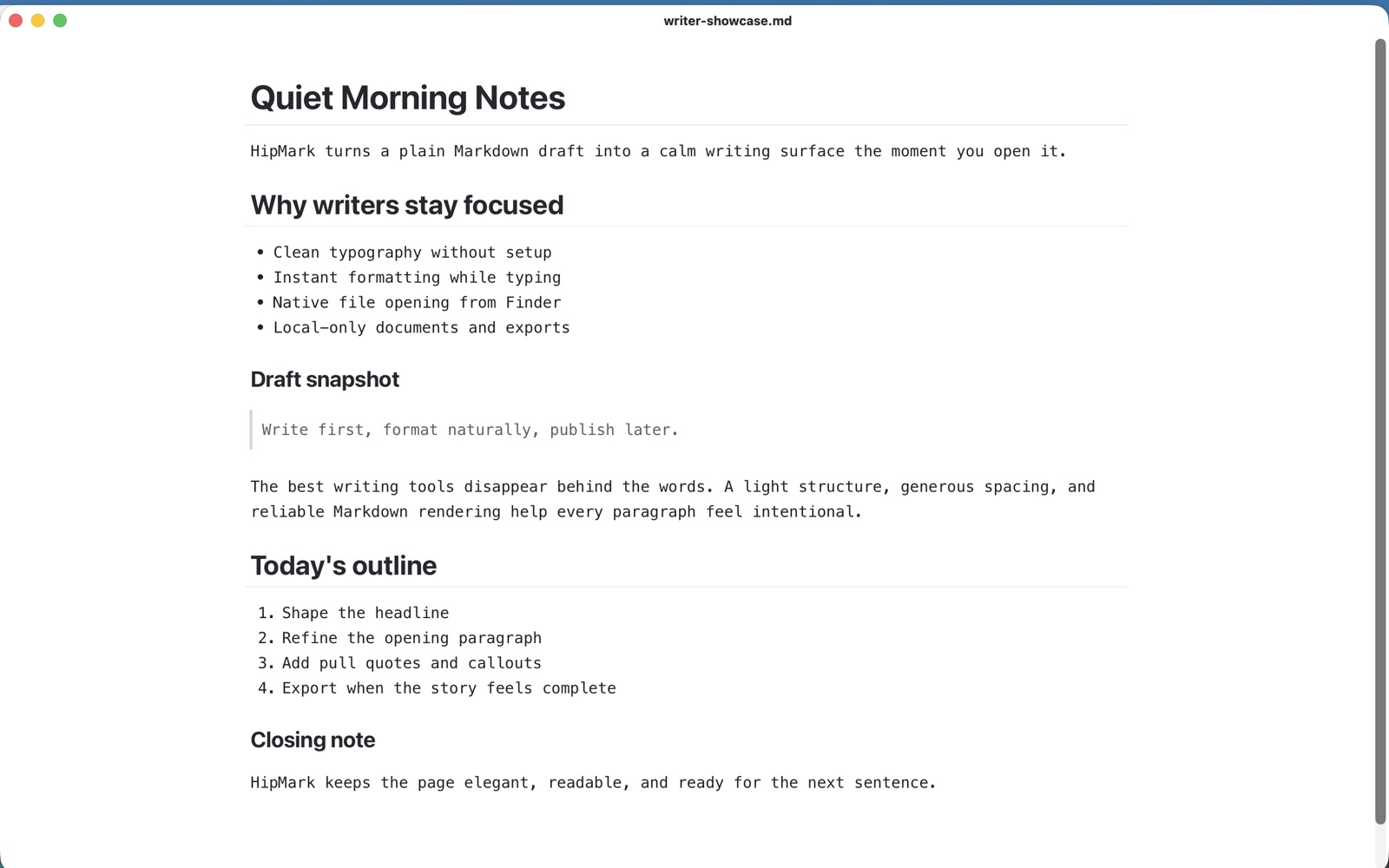
HipMark is a local-first Markdown editor for Mac. Open standard Markdown files, write with live preview, and switch to source whenever you need it. Use it for everyday notes, article drafts, study notes, and technical documents.
Create or open a document
Install and launch HipMark from the Mac App Store. Press ⌘N for a new document or ⌘O to open a .md, .markdown, .mdown, or .mkd file. You can also open files from Finder.
There is no account to create or dedicated note database to configure. Choose a folder you can find easily and organize your writing as ordinary files.
Learn inside the app
The Mac app's first-launch walkthrough introduces editing, formatting, desktop widgets, and local sharing. For a step-by-step introduction to syntax, open Help → Markdown Beginner Tutorial.
The tutorial combines syntax, explanations, examples, and exercises for headings, lists, links, images, tables, code, math, and diagrams. It is a real, editable local Markdown file with offline example images. Change an example and see the result; your edits remain when you return. The interface, tutorials, and app guides support 17 languages.
Build structure with simple marks
Start a line with # for a heading or ## for a second-level heading. Write **important** for bold text, - for a list, and > for a quotation.
# Today's writing plan

Capture the thought first. Organize it afterward.

## What I want to finish

- [ ] Write an opening paragraph
- [ ] Organize references
- [ ] Export a copy to share

> Give a good idea some room.
Choose live preview or source
Live preview lets you focus on content while headings, emphasis, and lists take shape. Press ⌘/ to inspect the complete Markdown source, then press it again to return. Both modes work on the same document.
For longer drafts, use View → Show Outline to jump between headings. Press ⌘F to find a phrase instead of scrolling through the whole document.
Save and keep working
Press ⌘S and choose a location. Your file remains ordinary Markdown, ready for other tools. Keep backups of important work; HipMark does not include a cloud backup service.
To read a file before opening it, select it in Finder and press Space for Quick Look. If another app handles the preview, check Quick Look extensions in System Settings.
Add richer content when you need it
HipMark supports code blocks, tables, LaTeX math, and Mermaid diagrams. Start with plain text and add structure as your document needs it. Rendering happens locally; remote images still require a network connection.
Continue with the Markdown to PDF guide, or learn about the 7-day trial and Pro.