HipMark Desktop Widgets: Pinned Notes, To-dos & Daily Notes
 HipMark
Add HipMark pinned notes, local to-dos, and daily notes to your Mac desktop, with clear system requirements and setup steps.
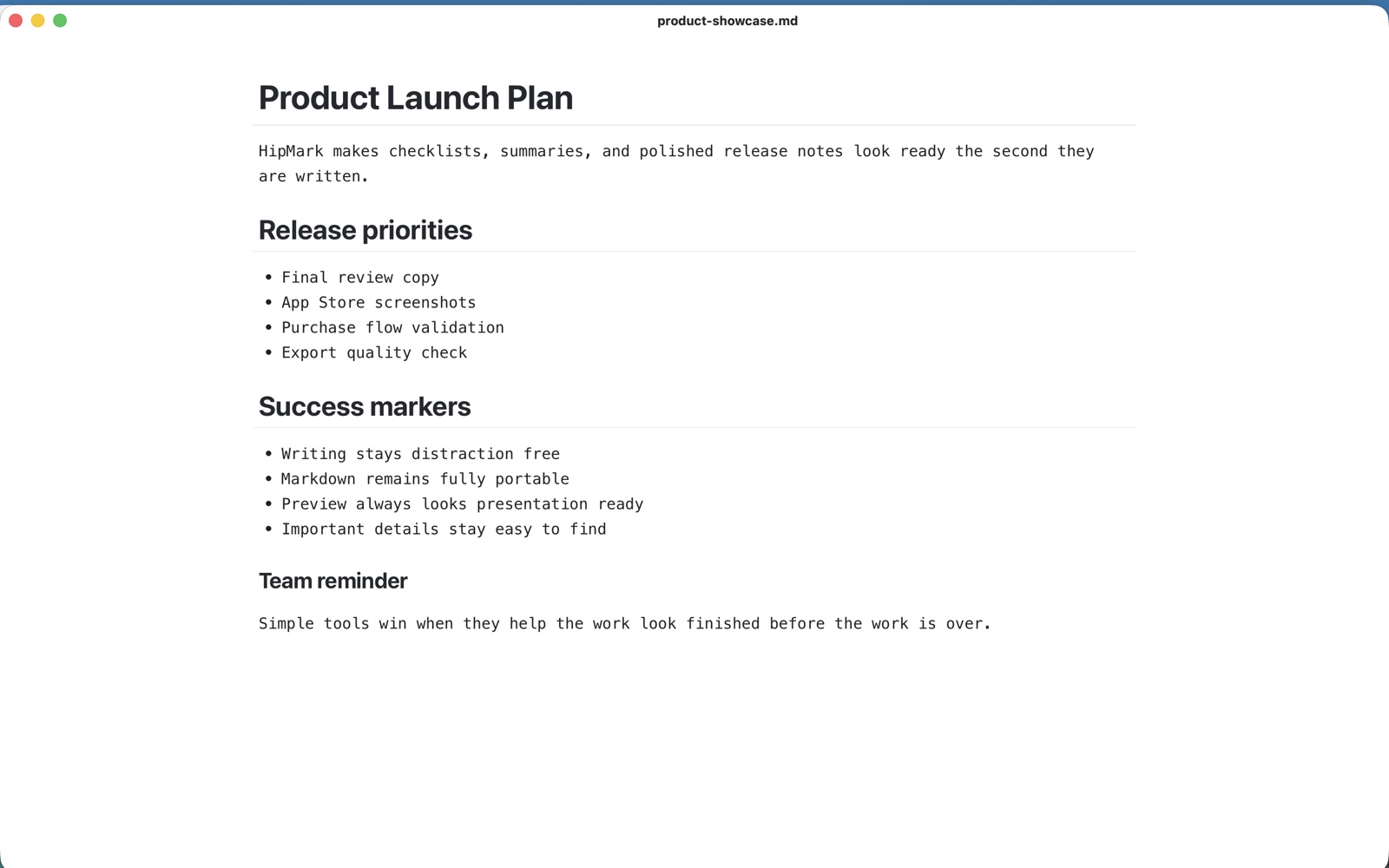
HipMark widgets put pinned notes, today's to-dos, and daily notes on your Mac desktop. Desktop placement and interactive to-dos require macOS 14 or later. macOS 13 supports widgets in Notification Center.
Add a widget
Install and run HipMark once. Right-click an empty area of your desktop, choose Edit Widgets, and search for HipMark. Choose a card and size, then drag it to the desktop.
Widget discovery and refresh are scheduled by macOS. If HipMark is missing, check that the app has been launched and your system meets the requirements.
Pin a note
Click an empty pinned-note card to create and open a note in HipMark. Write what you want to keep close and press ⌘S. Saving updates the shared summary; macOS decides when the card actually refreshes.
The card supports text formatting for headings, emphasis, lists, quotes, and code. It does not show images or fully render tables, math, or diagrams. You type in the app; the widget displays a summary and opens the note.
Manage today's to-dos
To-dos are HipMark's local tasks, separate from Apple Reminders. Add or rename tasks in the app's task window. On macOS 14 or later, mark tasks complete or restore them directly on the desktop.
Future tasks appear when their scheduled date arrives. Completed tasks remain visible only on the day they are completed. Changes follow your trial or Pro access.
Keep a daily note
The daily-note entry opens the same Markdown document throughout the local calendar day. Use it for thoughts, meeting notes, or reading highlights. Saving an older daily note does not replace today's card summary.
Pinned windows versus pinned notes
A pinned-note widget is a summary on your desktop. Pinning a document window keeps that window above ordinary windows in the current desktop, which helps when referring to another document. It does not cover other apps' full-screen spaces.
Visit technical support for help, or start with the Markdown guide.